DeesseJS
  • Enterprise
  • Pricing
DeesseJS logoDeesseJS

Software engineering as a commodity: agents that code, workflows that scale, infrastructure that works. Built with the DeesseJS ecosystem.

Ecosystem

  • Errors
  • DRPC
  • Collections
  • FP

Learn

  • Docs
  • Blog
  • Changelog
  • Knowledge Base

Use cases

  • SaaS apps
  • AI products
  • Landing pages
  • API backends
  • Internal tools

Company

  • About
  • Manifesto
  • Principles
  • Vision
  • Enterprise
  • Delivery
  • Help

Legal & Trust

  • Privacy
  • Terms
  • Cookies
  • DPA
  • Security

Community

  • Open Source Program
  • Students
  • Github
  • LinkedIn
  • X

Explore

  • Customers
  • Templates
  • Ecosystem
  • Stack
© 2026 DeesseJS. All rights reserved.
  1. Templates
  2. saas-template-multi-tenant

saas-template-multi-tenant

Modern SaaS monorepo template with pnpm workspaces, Turborepo, Drizzle ORM, better-auth, Hono + oRPC

View demoView source
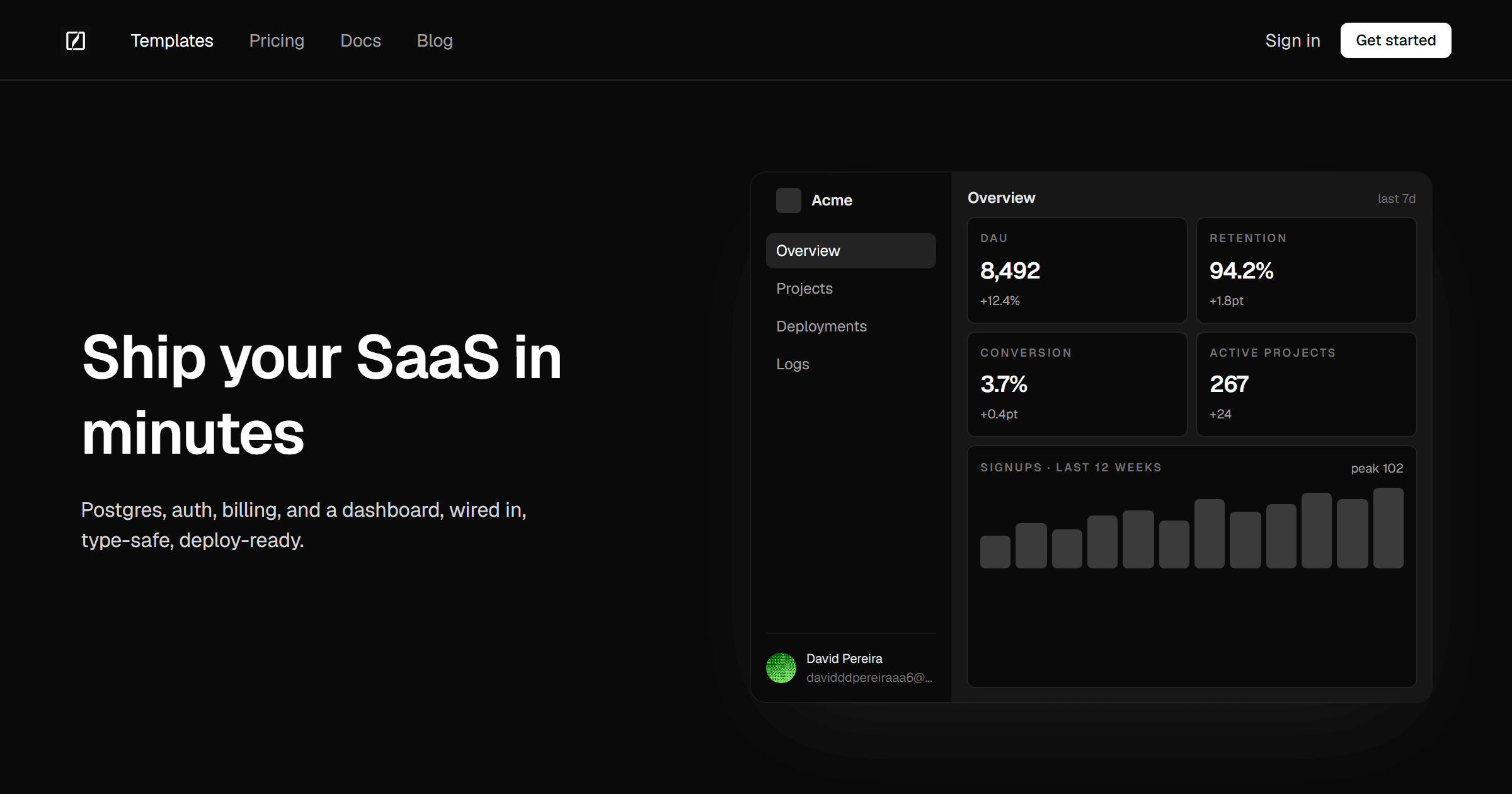
Template preview

About

Modern SaaS monorepo template with pnpm workspaces, Turborepo, Drizzle ORM, better-auth, Hono + oRPC

Install

deessejs init saas-starter-multi-tenant

Source

github.com/deessejs/saas-template-multi-tenant

Labels

  • better-auth
  • drizzle-orm
  • hono

Ready to ship?

Browse the registry. Or ship with us.

Install the CLI to scaffold a project in under five minutes, or talk to our delivery team if you need a hand. Same templates, same contracts, same guarantees.

Install the CLIBrowse the registry
  • monorepo
  • pnpm
  • saas-template
  • turborepo
  • typescript
  • Ship your template to the registryOpen a PR on deessejs/deessejs. Slug, category, and labels are collected via the form.
    Submit your template →

    Quick start

    deessejs init saas-starter-multi-tenant

    Details

    Owner
    deessejs
    Repo
    saas-template-multi-tenant
    License
    MIT
    Category
    saas

    Overview

    SaaS Template

    Monorepo template for building SaaS applications with modern tooling.

    Tech Stack

    Package Manager

    • pnpm v11 with workspaces and catalogs

    Build System

    • Turborepo v2 for task orchestration and caching

    Packages

    • database — Drizzle ORM
    • auth — better-auth
    • api — Hono + orpc

    Apps

    • web — Next.js (app router)
    • app — Next.js (app router)
    • docs — Fumadocs

    Structure

    .
    ├── apps/
    │   ├── web/          # Next.js (app router)
    │   ├── app/          # Next.js (app router)
    │   └── docs/         # Fumadocs
    ├── packages/
    │   ├── database/     # Drizzle ORM
    │   ├── auth/         # better-auth
    │   ├── api/          # Hono + orpc
    │   ├── ui/           # Shared UI components
    │   ├── eslint-config/# ESLint configuration
    │   └── typescript-config/# TypeScript configuration
    ├── turbo.json
    ├── pnpm-workspace.yaml
    └── package.json

    Quick Start

    GitHub Codespaces (Recommended)

    The fastest way to get started without installing anything:

    • Click Code → Create codespace on main
    • Wait for PostgreSQL and dependencies to install
    • Run pnpm dev to start developing

    No local setup required. Docker and PostgreSQL are pre-configured in the dev container.

    Local Development

    Prerequisites

    • Node.js 20+
    • pnpm 11+
    • Docker (for PostgreSQL)

    Installation

    Available Commands

    Environment Variables

    Copy .env.example to .env.local and fill in the required values:

    cp .env.example .env.local

    Dependencies

    Shared dependencies are managed through pnpm catalogs. Update versions in pnpm-workspace.yaml to propagate changes across all packages.

    CI/CD

    This template includes GitHub Actions workflows for:

    • Lint
    • Type check
    • Build
    • Test

    License

    MIT

    Support

    For questions and support, contact support@deessejs.com
    # Install dependencies pnpm install # Generate auth schema pnpm auth:generate # Push database schema pnpm db:push # Start development pnpm dev
    # Database pnpm db:generate # Generate migrations pnpm db:migrate # Run migrations pnpm db:push # Push schema to DB pnpm db:studio # Open Drizzle Studio pnpm auth:generate # Generate auth schema # Build & Test pnpm build # Build all packages pnpm test # Run tests (uses pg-mem) pnpm test:integration # Run with real PostgreSQL # Code Quality pnpm lint # Lint all packages pnpm typecheck # Type check all packages pnpm format # Format code